How Do You Turn Off Skullcandy Wireless Earbuds?
So, you’ve got yourself a pair of Skullcandy wireless earbuds – awesome! You’re enjoying your music, podcasts, or audiobooks, and now it’s time to call it a day. But how do you actually turn those little guys off? It’s a question many people have, and the answer isn’t always immediately obvious. Unlike some other brands, the process can vary slightly depending on the specific Skullcandy model you own.
Don’t worry, though; it’s generally a straightforward process. This guide will walk you through the various methods for powering down your Skullcandy wireless earbuds, ensuring you can conserve battery life and prevent accidental activation. We’ll cover the most common models and scenarios, so you can confidently switch off your earbuds whenever you need to. Let’s get started!
Understanding Your Skullcandy Earbuds
Before diving into the shutdown procedures, it’s helpful to understand a few basics about Skullcandy wireless earbuds. These earbuds typically connect to your device via Bluetooth and rely on internal batteries for power. The way you turn them off depends on the presence of a charging case and the specific controls on the earbuds themselves.
Skullcandy offers a diverse range of wireless earbuds, from budget-friendly options to premium models with advanced features. Each model might have slightly different button layouts or touch controls. Therefore, it’s always a good idea to consult your specific model’s user manual for the most accurate instructions. However, the general principles remain consistent.
Key Components and Controls
Most Skullcandy earbuds have these components:
- Earbuds: The primary unit that you wear in your ears.
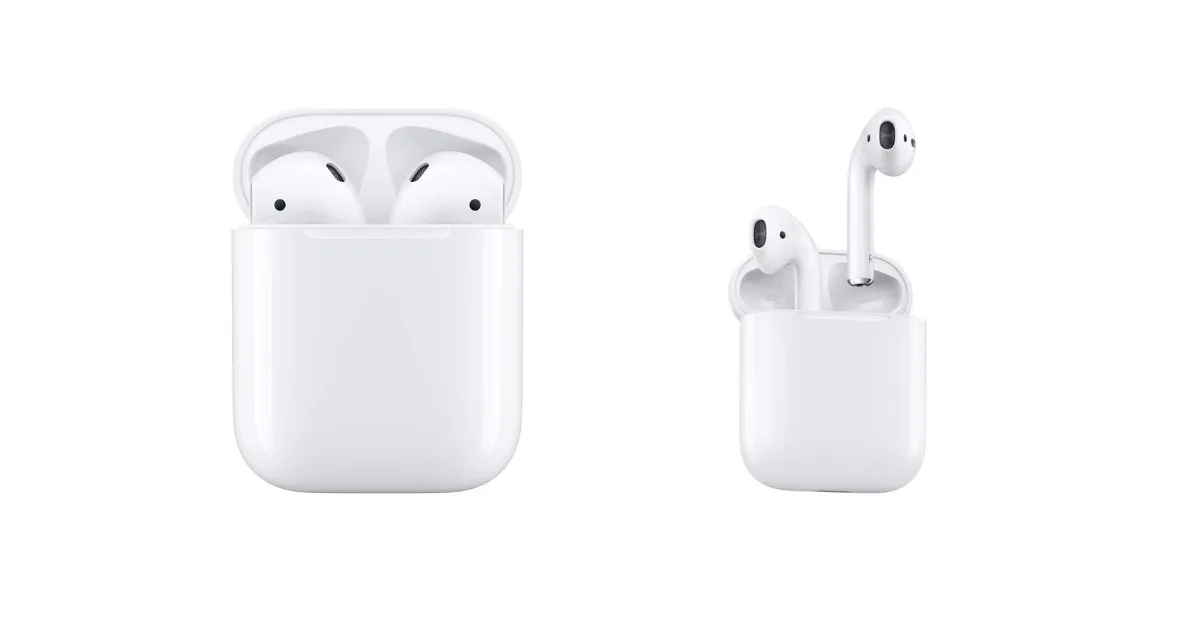
- Charging Case: A case that protects and charges the earbuds.
- Physical Buttons or Touch Controls: Used to control music playback, answer calls, and power on/off the earbuds.
- LED Indicators: Lights that indicate the charging status, connection status, and power status.
Common Skullcandy Models
While the exact methods might differ slightly, these are some of the most popular Skullcandy earbud models:
- Skullcandy Indy Series: Known for their sleek design and secure fit.
- Skullcandy Push Series: Offering a sporty design and extended battery life.
- Skullcandy Sesh Series: A budget-friendly option with a focus on simplicity.
- Skullcandy Dime Series: Ultra-compact and affordable earbuds.
- Skullcandy Crusher Series: Featuring immersive bass and a unique design.
- Skullcandy Jib Series: Entry-level earbuds offering a basic set of features.
Understanding your specific model is crucial, as the control methods can vary. We’ll cover general methods applicable to most models.
Turning Off Skullcandy Earbuds with a Charging Case
The charging case plays a significant role in managing the power of your Skullcandy wireless earbuds. When you place your earbuds back in the charging case, they typically turn off and begin charging automatically. This is the most common and often the easiest way to power down your earbuds.
Step-by-Step Guide:
- Place the Earbuds in the Case: Open the charging case. Carefully place each earbud into its designated slot. Ensure they are seated correctly. You should hear a click or feel a slight magnetic pull, indicating they’re properly connected.
- Close the Case: Once the earbuds are in place, close the charging case lid.
- Observe the LED Indicators: The LED indicators on both the earbuds and the charging case will usually light up to show the charging status. Typically, the earbuds will turn off immediately upon being placed in the case. The case will then start charging them.
- Confirm Shutdown: You can confirm that the earbuds are off by checking that the LED indicators on the earbuds themselves are no longer lit. Also, try to play music or use the voice assistant to verify that they are not connected to your device.
This method is convenient because it combines powering off with charging. It’s also the default behavior for most Skullcandy earbud models. Always ensure the case is closed properly to ensure the earbuds are turning off and charging.
Troubleshooting
- Earbuds Not Turning Off: Make sure the earbuds are properly seated in the charging case. Clean the charging contacts on both the earbuds and the case with a dry cloth.
- Charging Case Not Charging: Ensure the charging case is plugged into a power source and that the power outlet is functioning.
Turning Off Skullcandy Earbuds Without a Charging Case
If you don’t have access to your charging case, or if the case is out of battery, you’ll need to use alternative methods to turn off your Skullcandy wireless earbuds. The methods usually involve using the physical buttons or touch controls on the earbuds themselves.
Method 1: Using Physical Buttons
Many Skullcandy earbud models have physical buttons on each earbud. These buttons can be used to control various functions, including powering off the earbuds. The exact button layout and functions vary, so refer to your user manual.
Step-by-Step Guide:
- Identify the Power Button: Locate the power button on each earbud. Usually, it’s the main button you use for play/pause or answering calls.
- Press and Hold: Press and hold the power button on both earbuds simultaneously. The duration you need to hold the button can vary, but it’s typically around 3-5 seconds.
- Observe LED Indicators: The LED indicators on the earbuds should turn off, indicating that they have powered down.
- Verify Shutdown: Try to play music or use the voice assistant to confirm the earbuds are disconnected from your device.
Method 2: Using Touch Controls
Some Skullcandy earbud models feature touch controls instead of physical buttons. These touch controls respond to taps, double-taps, or long presses on the earbud’s surface. Powering off the earbuds using touch controls often involves a specific gesture.
Step-by-Step Guide:
- Identify the Touch Control Area: Locate the touch-sensitive area on each earbud.
- Long Press: Long press the touch control area on both earbuds simultaneously. The duration will be specified in your user manual, but it’s often around 5-10 seconds.
- Observe LED Indicators: The LED indicators on the earbuds should turn off, indicating that they have powered down.
- Verify Shutdown: Test the earbuds by attempting to play music or activate the voice assistant to confirm they are disconnected.
Troubleshooting
- Earbuds Not Turning Off: Ensure you are pressing the correct button or performing the correct touch gesture. Refer to your user manual.
- Earbuds Still Connected: Double-check that the earbuds are disconnected from your device’s Bluetooth settings.
Additional Tips and Considerations
Here are some additional tips and considerations to help you manage your Skullcandy wireless earbuds:
Battery Life Management
To maximize battery life, always turn off your earbuds when not in use. Using the charging case is the most convenient way to do this. Also, avoid leaving your earbuds on standby, as this can drain the battery even if you’re not actively listening to audio.
Bluetooth Connection Issues
If you’re experiencing problems with your earbuds connecting or disconnecting, try these steps:
- Restart Bluetooth: Turn off Bluetooth on your device and then turn it back on.
- Forget and Re-pair: In your device’s Bluetooth settings, forget the earbuds and then re-pair them.
- Update Firmware: Check if there are any firmware updates available for your earbuds through the Skullcandy app or on their website.
Factory Reset
If you’re still having issues, you might need to perform a factory reset. The factory reset process varies depending on the model, so consult your user manual for specific instructions. A factory reset will restore the earbuds to their original settings and can resolve many connection or performance problems.
User Manual
The user manual is your best friend when it comes to understanding how to use and troubleshoot your Skullcandy wireless earbuds. It contains detailed instructions on all the features, controls, and troubleshooting steps. Always keep your user manual handy or download a digital copy from the Skullcandy website.
Storage
When not in use, store your earbuds in their charging case. This protects them from dust, moisture, and potential damage. Also, this helps ensure they are always ready for your next listening session.
Model-Specific Instructions
As mentioned earlier, different Skullcandy models may have slightly different power-off procedures. Always refer to your user manual for model-specific instructions. Here are a few examples:
| Model | Power-Off Method |
|---|---|
| Indy Series | Place in charging case or long press both earbuds. |
| Push Series | Place in charging case or long press both earbuds. |
| Sesh Series | Place in charging case or long press both earbuds. |
| Dime Series | Place in charging case or long press both earbuds. |
| Crusher Series | Place in charging case or long press both earbuds. |
| Jib Series | Place in charging case or long press both earbuds. |
These are general examples; always consult your manual for the most accurate guidance.
Maintaining Your Skullcandy Earbuds
Proper maintenance is essential to keep your Skullcandy wireless earbuds in good working condition. Here are some tips:
- Cleaning: Regularly clean your earbuds with a soft, dry cloth. Avoid using water or cleaning solutions, as they can damage the internal components.
- Charging: Always use the correct charging cable and power adapter for your charging case. Avoid overcharging or undercharging the earbuds.
- Storage: Store your earbuds in a cool, dry place when not in use. Avoid exposing them to extreme temperatures or direct sunlight.
- Updates: Keep your earbuds’ firmware updated to ensure optimal performance and functionality.
Troubleshooting Common Problems
Even with proper care, you might encounter some issues with your Skullcandy earbuds. Here are some common problems and their solutions:
- Earbuds Not Charging: Make sure the charging case is plugged in and the earbuds are properly seated. Clean the charging contacts.
- Earbuds Not Connecting: Restart Bluetooth, forget and re-pair the earbuds, or perform a factory reset.
- One Earbud Not Working: Check the balance settings on your device, clean the earbud, or perform a factory reset.
- Poor Sound Quality: Ensure the earbuds are clean, adjust the volume, and check the audio source.
- Battery Drain: Turn off the earbuds when not in use, and avoid leaving them on standby.
Final Thoughts
Turning off your Skullcandy wireless earbuds is generally a straightforward process. The most common method involves placing the earbuds back in their charging case, which automatically powers them down and initiates charging. If you don’t have the charging case, you can usually power them off by pressing and holding the power button or using the touch controls, depending on your model.
Remember to consult your user manual for model-specific instructions, as the exact procedures can vary. By following these steps and tips, you can ensure your Skullcandy earbuds are always ready for use and that you get the most out of their battery life. Proper maintenance and troubleshooting can also help you keep your earbuds in excellent condition for years to come.
Recommended Products